
Cyber incident – Canvas Learning Management System
Latest information- as at 10.30am Friday, 8 May 2026
The Department for Education, Children and Young People (DECYP) has been notified of a cyber security incident affecting its Learning Management System, Canvas.
Canvas is used by DECYP to deliver, manage and track learning for staff and students in schools and some of its business units.
As of this morning (Friday 8th May) access to the system is no longer available, this is a result of the ongoing cyber security incident and we are urgently seeking an update from Instructure. At this point in time we do not know when the system will be back online.
Investigations commenced immediately and are ongoing. At this stage, while DECYP has been identified as being impacted by the cyber security incident, the specific impact of the incident is subject to further investigation by Instructure.
While the investigation is ongoing, at this time, there is no evidence that passwords, dates of birth, or financial information have been accessed. Instructure has advised that names, email addresses and school locations for staff and students since 2020 may be implicated in this incident.
Next steps and further information
- At this stage, while DECYP has been identified as being impacted by the cyber security incident, the specific impact of the incident is subject to further investigation by Instructure.
- DECYP is continuing to work closely with Canvas’ provider, Instructure, as well as the Chief Information and Cyber Security Officers from other Australian jurisdictions to quickly understand the extent of the incident and minimise its impact
- Should any sensitive or personal information be affected, DECYP will work with Instructure to manage harm and ensure that those affected are notified as soon as possible and offered assistance and support as required
Please be vigilant and stay alert for any suspicious activity or attempted scams.
Criminals use personal information from data breaches to trick victims into revealing further information that can be used to access your accounts elsewhere, including with financial institutions.
Some scammers may use this cyber incident as an opportunity to make unsolicited contact. The best way you can protect yourself is to remain vigilant and not respond to unusual contact or asked to verify details.
The Department will never ask for your password or sensitive personal information via a phone call or email.
Protect your personal information from scams – Scammers use emails, text messages, or phone calls to convince you they are genuine and get you to share personal information, such as your address, to confirm your identity. Always verify a request for personal information with your school before providing any details. Refer to the safety commissioner’s tips for how your child can protect their personal identity online.
Do not click suspicious links and attachments – explain to your child it is important they do not click links or download files unless they are confident they are from a trusted and verified source. Find more information about how you and your child can spot scams and suspicious links.
Limit sharing of personal information – especially if you or your child are contacted unexpectedly or asked to verify details.
The following practices are recommended to help keep your child safe when they are online:
- Put computers in open spaces within your home
- Keep an eye on what your child is doing online (both in the home and on any mobile devices they have access to)
- Install software to limit their use and monitor/restrict the sites they visit
- Help your child to regularly update their privacy settings
- Teach your child how to create a strong password and have a routine for updating them
- Discuss a plan with your child about how to address any cybersafety issues that may arise (make sure they know you will be supportive if they mention anything and that they will not get in trouble).
The Department will never ask for your password or sensitive personal information via a phone call or email.
If you need further information or support:
- The Australian Cyber Security Centre: www.cyber.gov.au – for information about data security.
- ReportCyber; https://www.cyber.gov.au/acsc/report – to report any cyber incidents to law enforcement
- Act Now Stay Secure: What are you risking online? | Act Now. Stay Secure – the Australian Government’s website which teaches simple ways to stay safe online
Contacts for our sites and services
- Schools (Government and Non-Government) – please contact your school and/or check its Facebook page.
- Libraries – Libraries Tasmania site directory webpage.
- Child and Family Learning Centres – Child & Family Learning Centres
- Children, Youth & Family Services – check our Contact information webpage
- Education & Care Services
- For parents and carers: Contacts for child care services
- For service providers: Contact the Regulator Education & Care Unit
Useful Emergency Links
TasALERT App
The TasALERT App provides real-time information about emergencies in Tasmania. You can receive notifications to your device about incidents or warnings in your area.
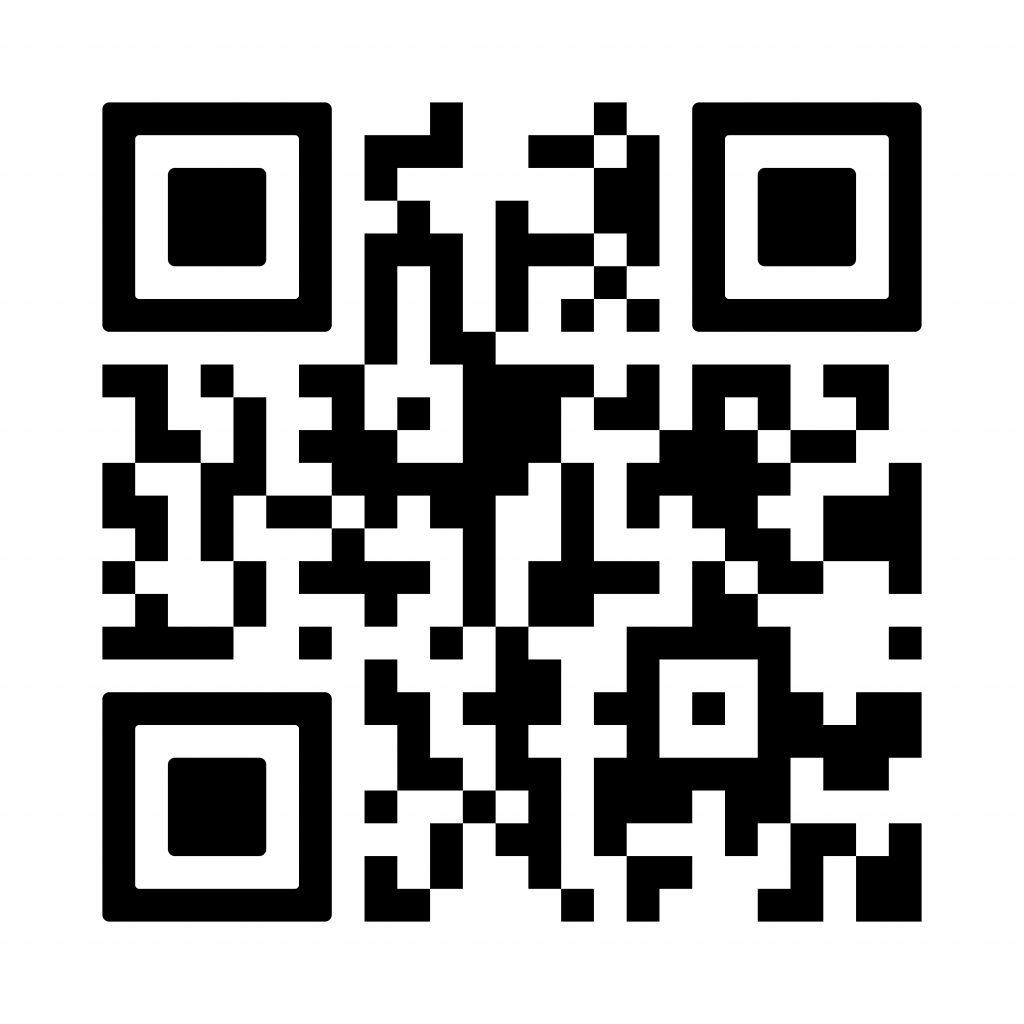
Visit the TasALERT website to download the app or use the QR code.
- Road Closures (Tasmania Police)
- Power Outages (TasNetworks)
- Public Health Alerts (Dept. of Health)
- Bushfire and heatwave information on this website – (check the ‘Current Situation’ section)
- COVID-19 (Tasmanian Government)
- Weather Warnings (Bureau of Meteorology)